
Choose Audio File
MP3, WAV (Max 50MB)
AI Cover Song Generator
Transform any song into a fresh AI cover. Choose from 100+ vocal styles and genres, then generate studio-quality covers in one click.
No tracks generated yet. Upload an audio file and generate a cover to get started.
Explore AI Cover Examples
Discover how BeatMusic's AI Cover tool separates vocals and instruments, creating innovative covers. Experience the power of AI in music transformation.
Why Our AI Covers Sound Real
Explore the unique features of BeatMusic's AI Cover tool.
High-Quality Audio Output
BeatMusic ensures top-notch audio quality, making your AI-generated covers sound professional and polished, fit for any creative project.
Customizable Voice Styles
With BeatMusic, tailor your covers' vocal styles to match your artistic vision, enhancing creativity and personal expression in your music.
Fast Processing Speed
BeatMusic's AI Cover tool quickly processes your uploads, allowing you to generate covers without long waits, boosting efficiency in production.
Data Privacy and Security
Your music files are safe with BeatMusic. We prioritize data security, ensuring your content remains private and protected at all times.
Easy-to-Use Interface
BeatMusic's intuitive interface simplifies the creation of AI covers, enabling creators of all skill levels to produce amazing music effortlessly.
Genre Compatibility
From pop to classical, BeatMusic's AI Cover tool adapts to various genres, providing versatility for artists exploring different musical styles.
What Can You Do with AI Cover?
Create AI-powered cover versions of any song in any voice or style.
Create AI Cover Versions
Upload any song and BeatMusic's AI cover tool sings it in a completely new voice. Choose from hundreds of AI voice models or use your own cloned voice. You get a professional cover version in minutes.
Try AI Cover Now
Transform Song Genres
Turn a pop hit into a jazz standard or make a rock anthem sound like R&B. BeatMusic's AI cover changes the entire feel of a song while keeping the melody. Experiment with genre-bending covers easily.
Try AI Cover Now
Sing in Different Voices
Want to hear your favorite song in a different voice? The AI cover tool lets you swap vocals instantly. Try male, female, deep, high-pitched, or character voices on any track you like.
Try AI Cover Now
Produce Professional Covers
Independent artists use BeatMusic's AI cover to release cover songs on streaming platforms. You get studio-quality vocal performances without booking expensive recording sessions or hiring session singers.
Try AI Cover Now
Why Choose BeatMusic AI Cover?
Explore the benefits of BeatMusic AI Cover.
Free Trial to Get Started
Experience BeatMusic without commitment. Our free trial allows you to explore features and generate covers risk-free.
Data Privacy & Security
BeatMusic values your privacy. We ensure your data is securely handled, giving you peace of mind while creating music.
Quality Output Guaranteed
With BeatMusic, produce high-quality covers that meet professional standards, ensuring your projects always sound their best.
Fast Processing Times
Generate covers quickly with BeatMusic's efficient processing, allowing you to focus more on creativity and less on waiting.
What Our Users Say
Hear from creators using BeatMusic AI Cover.
Transformed My Workflow
"Using BeatMusic's customizable voice styles, I created covers that matched my artistic vision. Before, I struggled with audio quality, but now my projects have a professional edge. It's been a game-changer for my music production process."

John Smith
Music Producer
Enhanced My Videos
"BeatMusic's AI Cover tool made it easy to create unique audio for my videos. The fast processing time saved me hours, allowing me to focus more on content creation. My audience loves the improved sound quality!"

Emily Johnson
Content Creator
Transformed My Workflow
"Using BeatMusic's customizable voice styles, I created covers that matched my artistic vision. Before, I struggled with audio quality, but now my projects have a professional edge. It's been a game-changer for my music production process."
John Smith
Music Producer
Enhanced My Videos
"BeatMusic's AI Cover tool made it easy to create unique audio for my videos. The fast processing time saved me hours, allowing me to focus more on content creation. My audience loves the improved sound quality!"
Emily Johnson
Content Creator




Explore More AI Music Tools
Discover our full suite of AI-powered music creation and editing tools




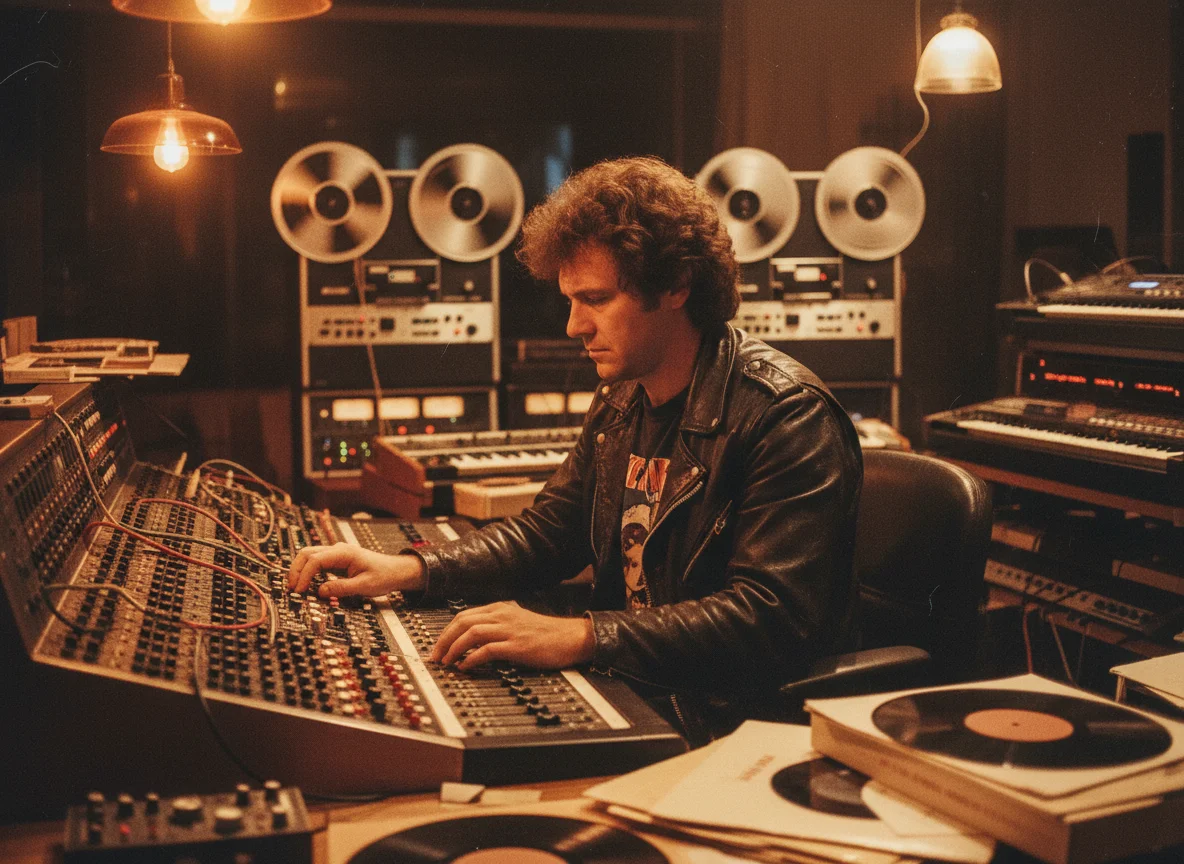





How to Create AI Covers with BeatMusic
Simple steps to create stunning AI covers.
Step 1: Upload Your Audio
Start by uploading your audio file to BeatMusic. Supported formats include MP3, WAV, FLAC, and M4A, ensuring compatibility with your existing tracks.
Step 2: Customize Your Cover
Choose from a variety of vocal styles and settings to personalize your cover. BeatMusic offers flexibility to match your creative needs.
Step 3: Download and Share
Once satisfied with the cover, download it and share it with your audience. BeatMusic makes it easy to showcase your creativity.
Frequently Asked Questions
Ready to Innovate with BeatMusic AI Cover?
Try BeatMusic AI Cover today and unlock endless creative possibilities for your music projects.
Try Ai Cover Now