
Audio Cutter Online Free
Trim, cut, and edit audio files right in your browser. Support for MP3, WAV, FLAC, and more. Fast, free, and no software needed.
Audio Source
Drag edges to adjust trim range · Saved audio appears in your Library
Explore Audio Cutting Examples
See how BeatMusic's audio cutter can trim, edit, and transform your audio files effortlessly. Discover its power and versatility.
What Makes Our Audio Cutter Easy
Discover what makes BeatMusic's audio cutter unique and efficient.
Multiple Format Support
Cut audio seamlessly with BeatMusic, supporting MP3, WAV, FLAC, and M4A formats, ensuring compatibility with all your audio projects.
User-Friendly Interface
Navigate through BeatMusic's intuitive interface effortlessly. No technical skills are required for precise audio editing and trimming.
High-Quality Output
Experience superior audio quality with BeatMusic's cutting-edge audio cutter. Maintain the integrity and clarity of your original files.
Fast Processing
Edit and cut audio quickly with BeatMusic's fast processing speeds, saving you time and enhancing productivity.
Free to Use
Enjoy BeatMusic's audio cutter tool for free. Perfect for those on a budget looking for high-quality audio editing.
Secure and Private
Your audio files are protected with BeatMusic's robust security measures, ensuring your data remains private and secure.
What Can You Do with Audio Cutter?
Cut, trim, and split any audio file with precision.
Trim Songs for Ringtones
Pick your favorite part of any song and BeatMusic's audio cutter trims it to the perfect length. You get a clean ringtone or notification sound in seconds, ready to download as MP3 or WAV.
Try Audio Cutter Now
Cut Audio for Video Editing
Video editors use the audio cutter to trim soundtracks, dialogue, and music to fit their timeline. BeatMusic gives you precise waveform editing so every cut lands exactly where you need it.
Try Audio Cutter Now
Create Sound Effects
Sound designers use BeatMusic's audio cutter to isolate and trim specific sounds from longer recordings. You can extract a drum hit, a vocal chop, or any sound effect in just a few clicks.
Try Audio Cutter Now
Split Tracks for DJing
DJs use the audio cutter to split long mixes into individual tracks or cut out specific sections for their sets. BeatMusic makes it easy to prepare your music library for live performances.
Try Audio Cutter Now
Why Choose BeatMusic Audio Cutter?
Discover why BeatMusic stands out as the best choice.
Free Trial
Test out BeatMusic's audio cutter with a free trial, offering premium features at no cost to you.
Quality Output
BeatMusic ensures top-quality audio output, retaining the original file's clarity and depth after editing.
Easy to Use
BeatMusic's user-friendly interface makes audio cutting simple and straightforward, perfect for beginners and experts.
Fast Processing
Enjoy quick and efficient audio processing with BeatMusic, allowing you to complete projects faster than ever.
What Our Users Say
See how BeatMusic transforms user experiences.
Boosted My Podcast Quality
"Before using BeatMusic, editing my podcast episodes was a hassle. The audio cutter made it simple to remove unwanted parts quickly. Now, my episodes sound professional, and my audience loves the clear sound quality. I highly recommend this tool to any podcaster!"

Emily Brown
Podcaster
Streamlined My Production Process
"BeatMusic's audio cutter is a game-changer for my music projects. It's intuitive and helps me seamlessly integrate different tracks. My workflow has become more efficient, and the sound quality remains top-notch. I can't imagine producing music without it now."

Michael Johnson
Music Producer
Boosted My Podcast Quality
"Before using BeatMusic, editing my podcast episodes was a hassle. The audio cutter made it simple to remove unwanted parts quickly. Now, my episodes sound professional, and my audience loves the clear sound quality. I highly recommend this tool to any podcaster!"
Emily Brown
Podcaster
Streamlined My Production Process
"BeatMusic's audio cutter is a game-changer for my music projects. It's intuitive and helps me seamlessly integrate different tracks. My workflow has become more efficient, and the sound quality remains top-notch. I can't imagine producing music without it now."
Michael Johnson
Music Producer




Explore More AI Music Tools
Discover our full suite of AI-powered music creation and editing tools






How to Cut Audio with BeatMusic
Learn how to use BeatMusic's audio cutter in three simple steps.
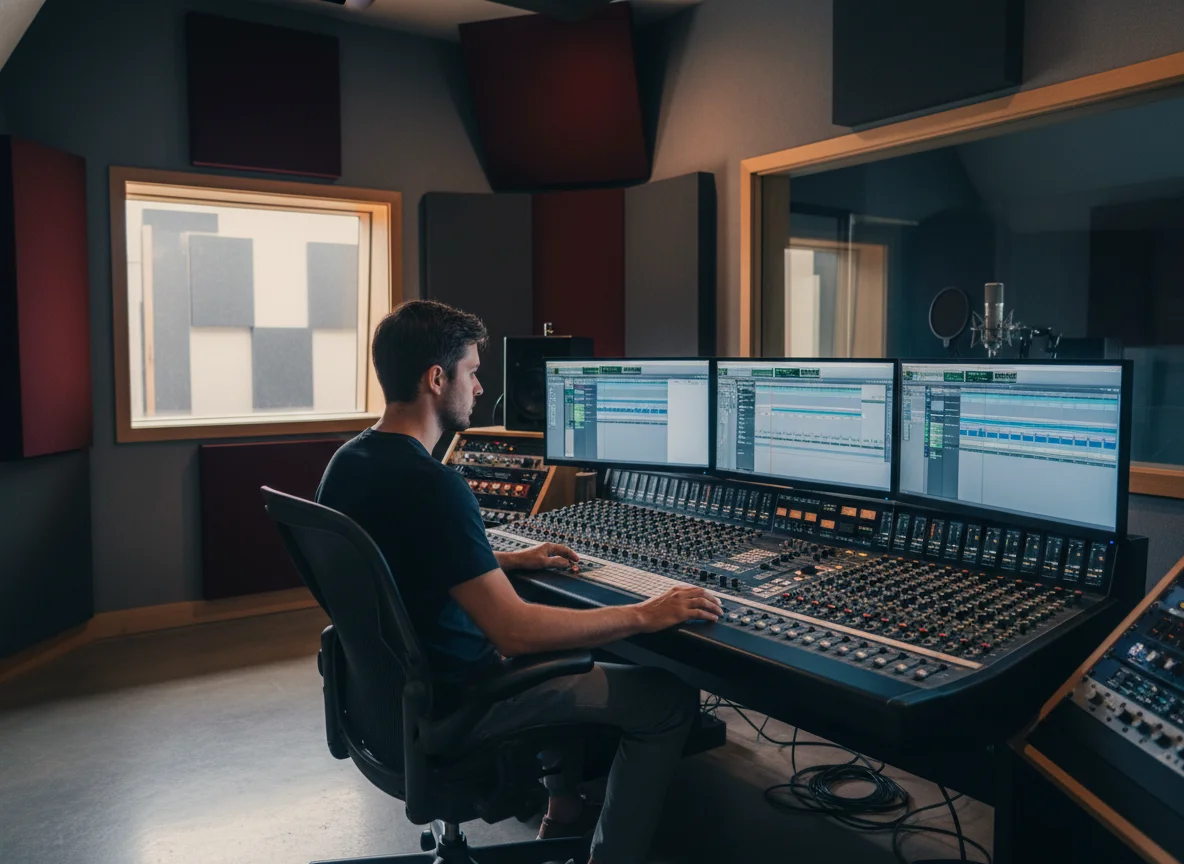
Step 1: Upload Your Audio
Start by uploading the audio file you wish to edit. BeatMusic supports formats like MP3, WAV, FLAC, and M4A for your convenience.
Step 2: Edit with Precision
Use BeatMusic's intuitive tools to select and cut the desired audio segments. Adjust and fine-tune with ease for perfect results.
Step 3: Download Your File
Once satisfied with your edits, download the file. BeatMusic ensures high-quality output, maintaining the integrity of your original audio.
Frequently Asked Questions
Cut Your Audio with BeatMusic Today
Get started with BeatMusic's audio cutter and transform your audio files effortlessly.
Try Audio Cutter Now