AI Image to Music
Upload any image and AI will compose a song that matches its mood, colors, and atmosphere. Turn your photos into original music instantly.

Discover Stunning Audio Transformations
Explore how BeatMusic transforms images into captivating music. Discover the emotional depth and creativity this tool can bring to your projects.
What Makes Image to Music Unique
Explore the features that set BeatMusic apart.
Deep AI Algorithms
BeatMusic uses advanced neural networks to analyze image patterns and transform them into intricate soundscapes, capturing the essence of your visuals.
Customizable Outputs
Adjust parameters to fine-tune the musical output, allowing for a tailored composition that reflects your artistic vision with BeatMusic.
Seamless Integration
Easily integrate BeatMusic into your existing creative workflows, enhancing productivity and innovation without disrupting your process.
Interactive Experience
Engage with the creative process by seeing how changes to your image affect the resulting music, creating a dynamic and interactive experience.
Quality Control
Ensure high-quality outputs with BeatMusic's robust quality control mechanisms, providing consistent and reliable musical compositions.
Ethical Considerations
BeatMusic prioritizes ethical AI use, ensuring data privacy and responsible usage of AI-generated music within your projects.
What Can You Do with AI Image to Music?
Turn any image into a unique musical composition powered by AI.
Turn Photos into Music
Upload any photo and BeatMusic's AI image to music tool creates a unique soundtrack that matches the mood and colors. A sunset photo becomes a warm melody. A city skyline turns into an energetic beat.
Try AI Image to Music Now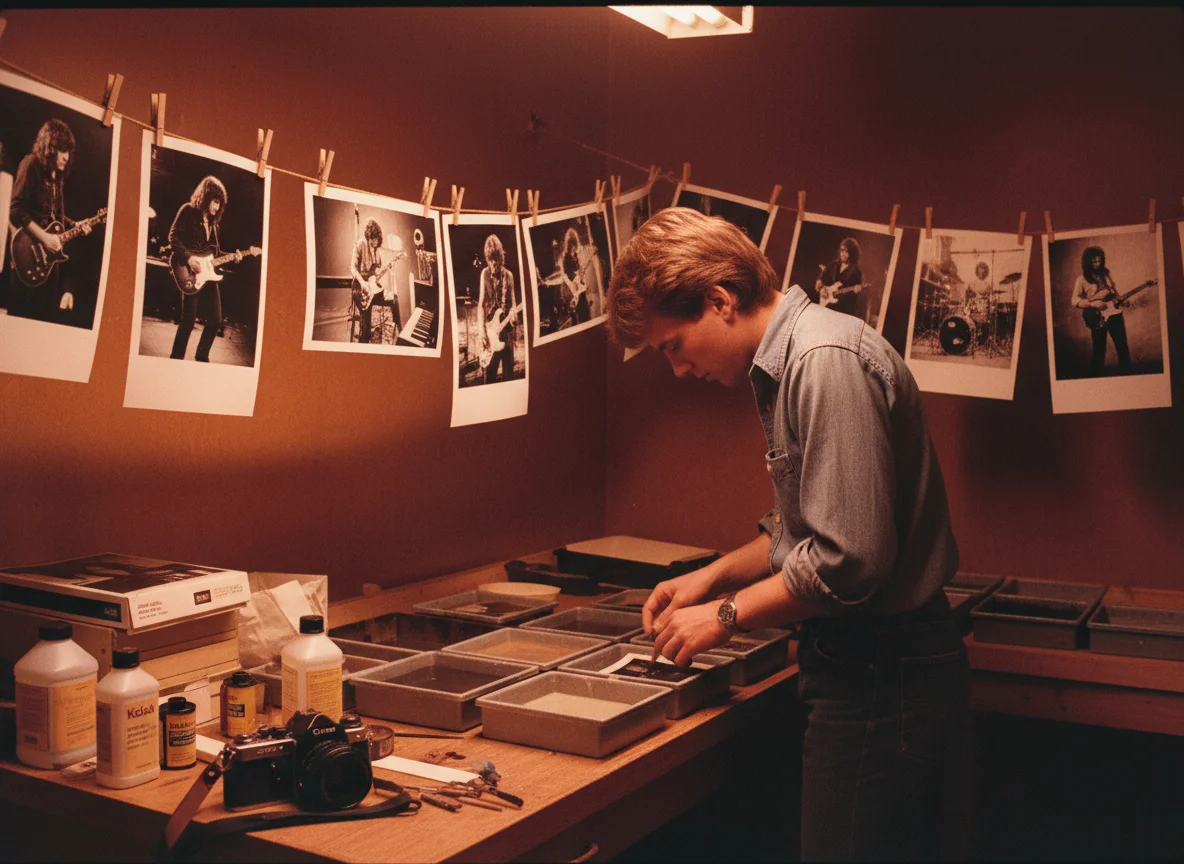
Create Soundtracks from Art
Artists and designers use AI image to music to add an audio layer to their visual work. Upload your painting, illustration, or design, and BeatMusic composes music that captures its emotional essence.
Try AI Image to Music Now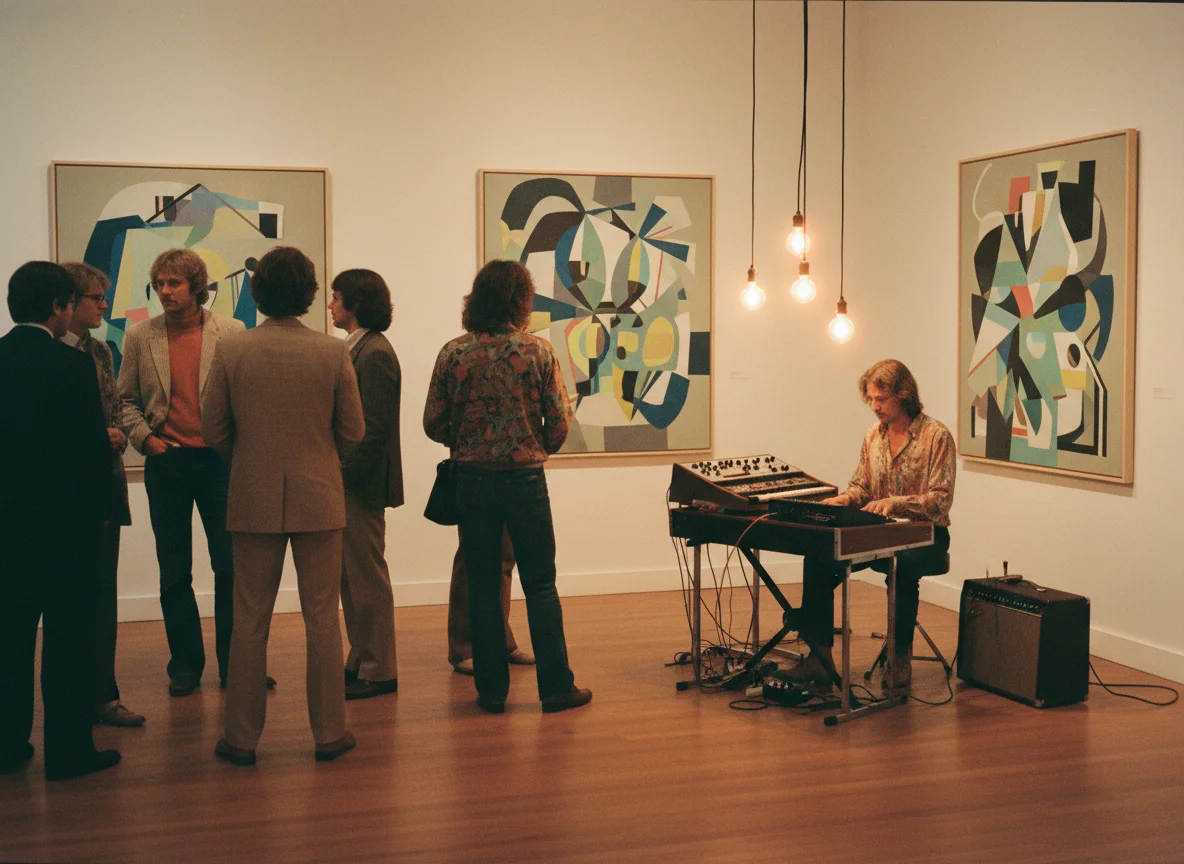
Generate Music for Slideshows
Upload your slideshow images and BeatMusic creates a matching soundtrack automatically. The AI image to music tool reads each photo's mood and builds a musical journey that flows with your visual story.
Try AI Image to Music Now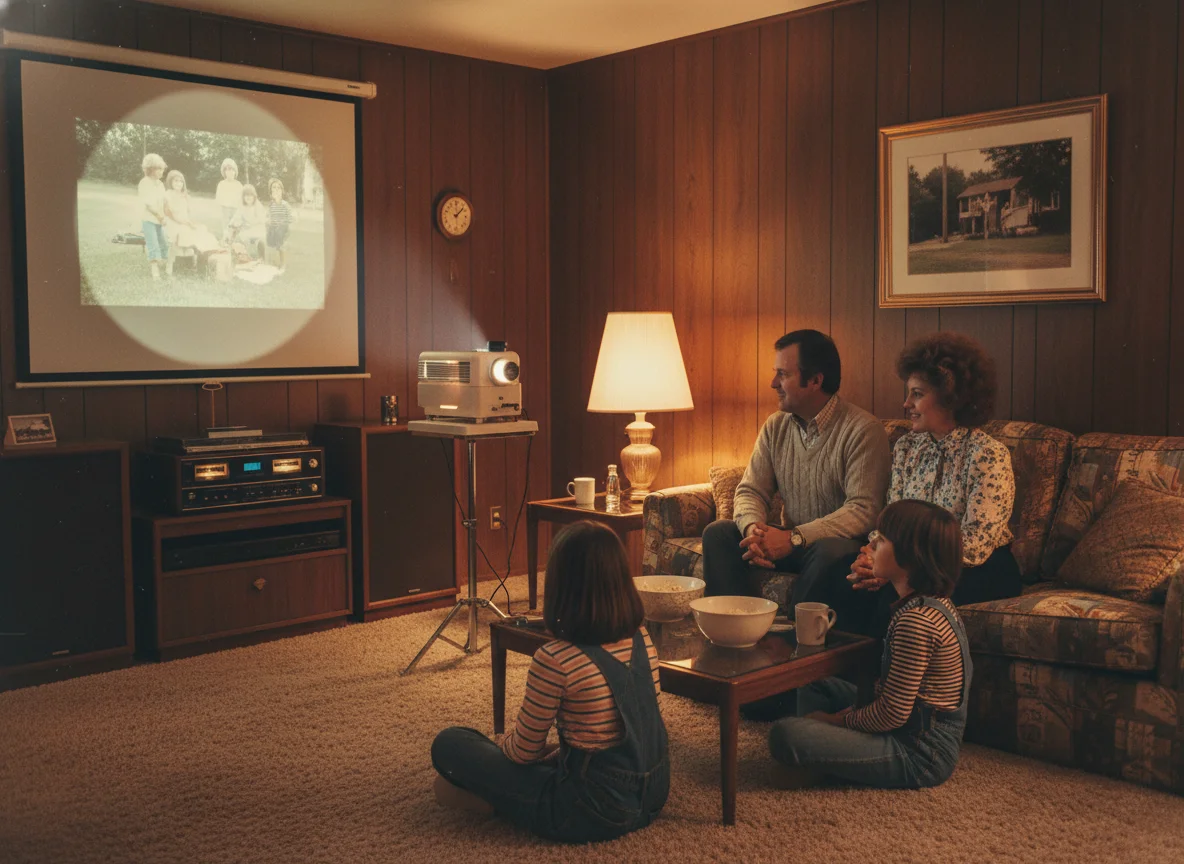
Score Visual Content Automatically
Video editors use AI image to music to quickly generate temp scores based on key frames. Upload a screenshot from your video, and BeatMusic creates music that fits the scene's tone and energy.
Try AI Image to Music Now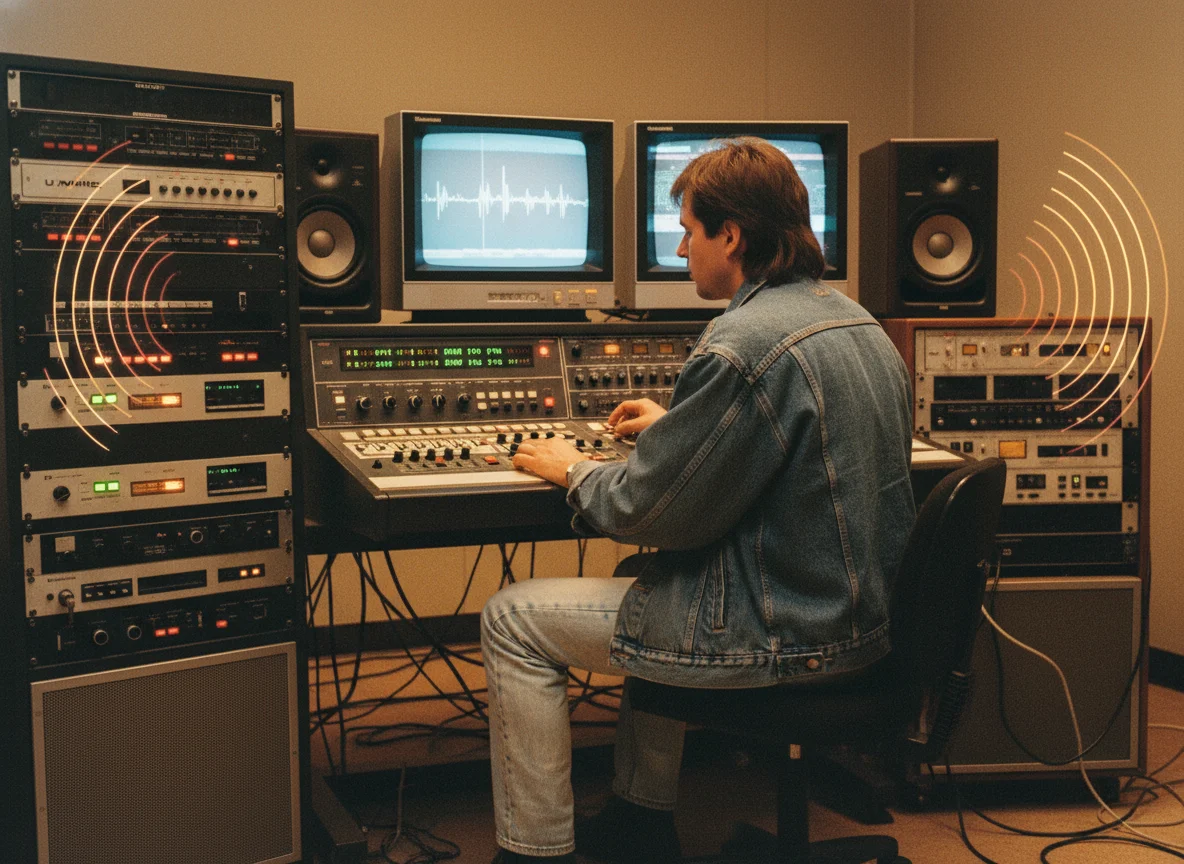
Why Choose BeatMusic AI Image to Music?
Experience the benefits of BeatMusic.
Free Trial to Get Started
Explore BeatMusic's capabilities with a free trial, giving you the freedom to experiment with image-to-music conversions without any initial cost.
Fast Processing
BeatMusic ensures quick and efficient processing, allowing you to transform images into music rapidly and without delays.
Quality Output
Experience high-quality, professional-grade musical compositions that maintain the integrity and emotion of the original image.
Easy to Use
BeatMusic offers an intuitive interface that requires no technical skills, making it accessible for everyone to create music from images.
What Our Users Say
Hear from those who use BeatMusic.
Transformed My Workflow
"As a music producer, BeatMusic's customization feature allowed me to create unique themes from visual art. It streamlined my workflow, enabling me to produce more engaging compositions with ease. I highly recommend it for its versatility and efficiency."

John Smith
Music Producer
Enhanced My Videos
"Using BeatMusic, I turned my video thumbnails into custom music scores. This feature not only improved the quality of my content but also increased viewer engagement. It's a game-changer for video creators looking to enhance their work."

Emily Johnson
Content Creator
Transformed My Workflow
"As a music producer, BeatMusic's customization feature allowed me to create unique themes from visual art. It streamlined my workflow, enabling me to produce more engaging compositions with ease. I highly recommend it for its versatility and efficiency."
John Smith
Music Producer
Enhanced My Videos
"Using BeatMusic, I turned my video thumbnails into custom music scores. This feature not only improved the quality of my content but also increased viewer engagement. It's a game-changer for video creators looking to enhance their work."
Emily Johnson
Content Creator




Explore More AI Music Tools
Discover our full suite of AI-powered music creation and editing tools


How to Create Music from Images with BeatMusic
Follow these simple steps to start creating music.
Step 1: Upload Your Image
Select the image you want to convert and upload it to BeatMusic. Our tool supports various file formats for easy integration.
Step 2: Customize Your Music
Use BeatMusic's customization options to adjust parameters like tempo and mood, tailoring the musical output to your specific needs.
Step 3: Download and Share
Once satisfied, download your unique music composition and share it across your favorite platforms to showcase your creativity.
Frequently Asked Questions
Start Creating Music with BeatMusic AI Image to Music
Join BeatMusic today and transform your images into beautiful music. Experience the future of creative expression.
Try Ai Image To Music Now