
Audio to MIDI Converter Online
Convert any audio file to MIDI with AI. Transform recordings into editable MIDI data for music production, transcription, and remix.
No MIDI data yet
Upload an audio file and click "Convert to MIDI" to get started
Explore Audio to MIDI Magic
Discover how BeatMusic separates complex polyphonic recordings into individual MIDI tracks, showcasing the power and accuracy of our tool.
Why Our MIDI Converter Is Accurate
Discover the capabilities of BeatMusic's audio to MIDI converter.
Real-Time Conversion
Experience real-time audio to MIDI conversion with BeatMusic. Perfect for live performances, ensuring seamless integration into your workflow.
Polyphonic Audio Handling
Handle complex polyphonic audio with ease. BeatMusic accurately converts overlapping instruments into separate MIDI tracks for enhanced editing.
Wide File Format Compatibility
Convert MP3, WAV, FLAC, and M4A files effortlessly. BeatMusic supports various formats to suit your recording needs.
Customization and Tuning Options
Personalize your MIDI output with BeatMusic's fine-tuning options, ensuring your music matches your artistic vision.
Integration with DAWs
Seamlessly integrate with popular DAWs and third-party software. BeatMusic enhances your music production process.
Data Privacy and Security
Your data is safe with BeatMusic. We prioritize your privacy and ensure secure processing of your audio files.
What Can You Do with Audio to MIDI?
Convert any audio recording into editable MIDI data you can use anywhere.
Convert Recordings to MIDI
Record yourself playing guitar, piano, or any instrument, then let BeatMusic's audio to MIDI tool convert it into editable MIDI notes. You can then change instruments, fix wrong notes, or rearrange the whole piece.
Try Audio to MIDI Now
Transcribe Music Automatically
No more writing notes by ear. The audio to MIDI converter listens to any song and creates accurate MIDI transcriptions. Musicians save hours of manual work and get editable files they can use in any DAW.
Try Audio to MIDI Now
Create Sheet Music from Audio
Teachers and students use BeatMusic to turn audio recordings into MIDI, then export as sheet music. The audio to MIDI tool makes music education easier by converting performances into readable notation.
Try Audio to MIDI Now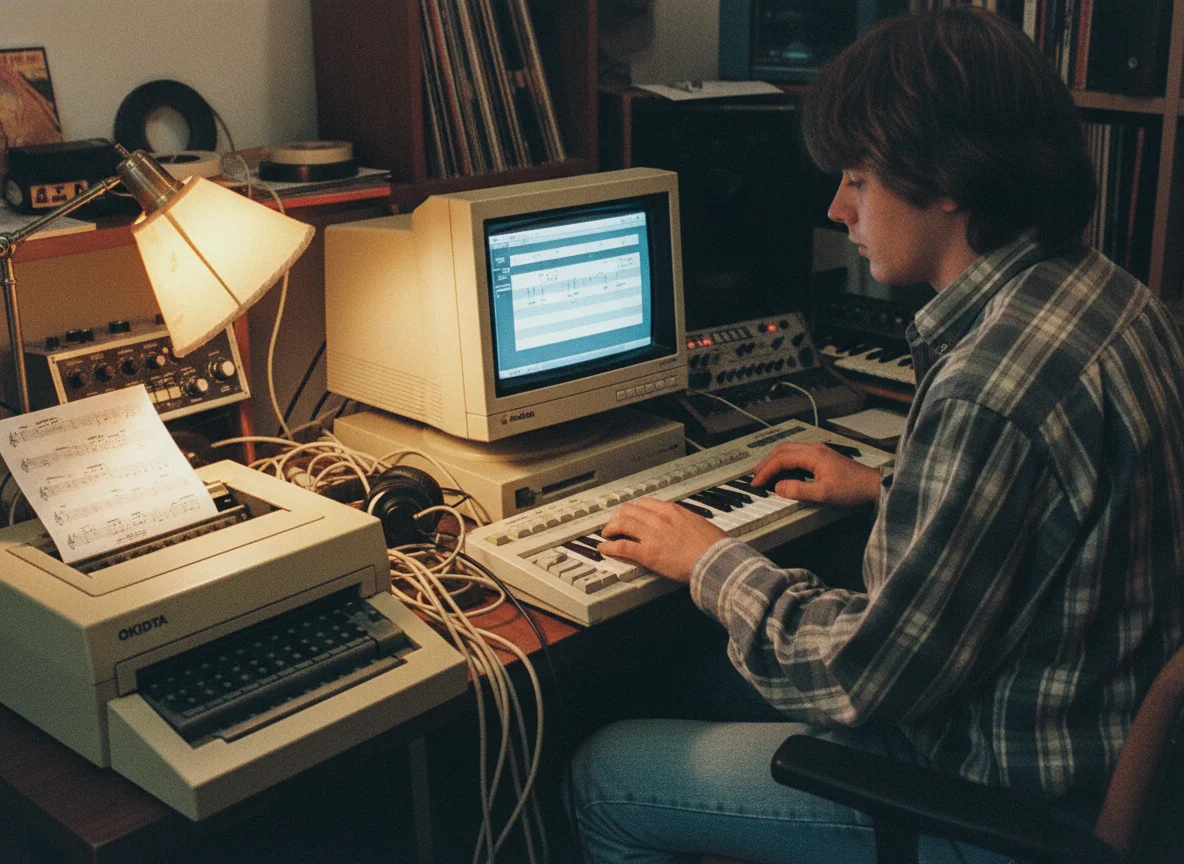
Remix with MIDI Control
Producers convert audio to MIDI to gain full control over every note. You can change tempo, switch instruments, add effects, and create entirely new arrangements from existing recordings.
Try Audio to MIDI Now
Why Choose BeatMusic Audio to MIDI?
Discover why BeatMusic stands out.
Free Trial to Get Started
Explore BeatMusic's capabilities with a free trial, allowing you to test before committing fully.
High Data Accuracy
Ensure precise audio to MIDI conversion with BeatMusic, offering high accuracy for complex recordings.
Fast Processing Speed
Experience quick conversion times with BeatMusic, streamlining your workflow and saving valuable time.
User-Friendly Interface
Navigate BeatMusic's intuitive interface with ease, designed for efficiency and simplicity.
What Our Users Say
Hear from those who use BeatMusic.
Transformed My Workflow
"Using BeatMusic's real-time conversion, I streamlined my production process. It effortlessly converted my complex audio tracks into MIDI, saving hours of editing time. Now, my workflow is smoother and more efficient. Highly recommend for any serious music producer!"

John Smith
Music Producer
Enhanced My Content
"BeatMusic's tool allowed me to create custom backing tracks for my videos. The polyphonic handling feature was a game-changer, turning intricate melodies into clean MIDI files. My audience noticed the difference in quality immediately."

Emily Johnson
Content Creator
Transformed My Workflow
"Using BeatMusic's real-time conversion, I streamlined my production process. It effortlessly converted my complex audio tracks into MIDI, saving hours of editing time. Now, my workflow is smoother and more efficient. Highly recommend for any serious music producer!"
John Smith
Music Producer
Enhanced My Content
"BeatMusic's tool allowed me to create custom backing tracks for my videos. The polyphonic handling feature was a game-changer, turning intricate melodies into clean MIDI files. My audience noticed the difference in quality immediately."
Emily Johnson
Content Creator




Explore More AI Music Tools
Discover our full suite of AI-powered music creation and editing tools.









How to Convert Audio to MIDI with BeatMusic
Follow these simple steps to get started.
Step 1: Upload Your Audio
Select the audio file you wish to convert. BeatMusic supports MP3, WAV, FLAC, and M4A formats, ensuring broad compatibility.
Step 2: Choose Conversion Settings
Adjust settings for your desired output. BeatMusic offers options for tuning, polyphonic handling, and more to suit your needs.
Step 3: Download Your MIDI
Once processing is complete, download your new MIDI file. Integrate it into your DAW or use it for further editing.
Frequently Asked Questions
Transform Audio to MIDI with BeatMusic Today
Discover BeatMusic's powerful audio to MIDI converter and elevate your music production instantly.
Try Audio To Midi Now